FOR DEVELOPERS WORKING WITH PHYSICAL DEVICES
Let your agent see
the device you’re
building.
Code tells part of the story. The screen on your desk tells the rest. MCPics is a camera in development for bringing fresh views of your hardware into a compatible agent conversation.
Join the early-access list● In development · Intended workflow
PLANNED WORKFLOW / NOT A LIVE DEMO
A fresh look after each change.
Start with something visible: an embedded display with a clipped label or a layout you want to check.
- 01
Frame the display
Position the camera so the screen and its labels are readable.
- 02
Ask for a picture
“Take a picture of the display. Does the title fit now?”
- 03
Change, then compare
Make a code change with your existing tools, then request another view.
The camera supplies pictures. Your agent discusses the visible result. MCPics does not itself edit code, flash hardware, or verify hidden wiring and electrical continuity.
Join the early-access listBEFORE THE FIRST PICTURE
Check the connection.
You’ll need a camera service, network access from your agent’s host, and a compatible MCP client. A cloud agent cannot directly reach a private .local address.
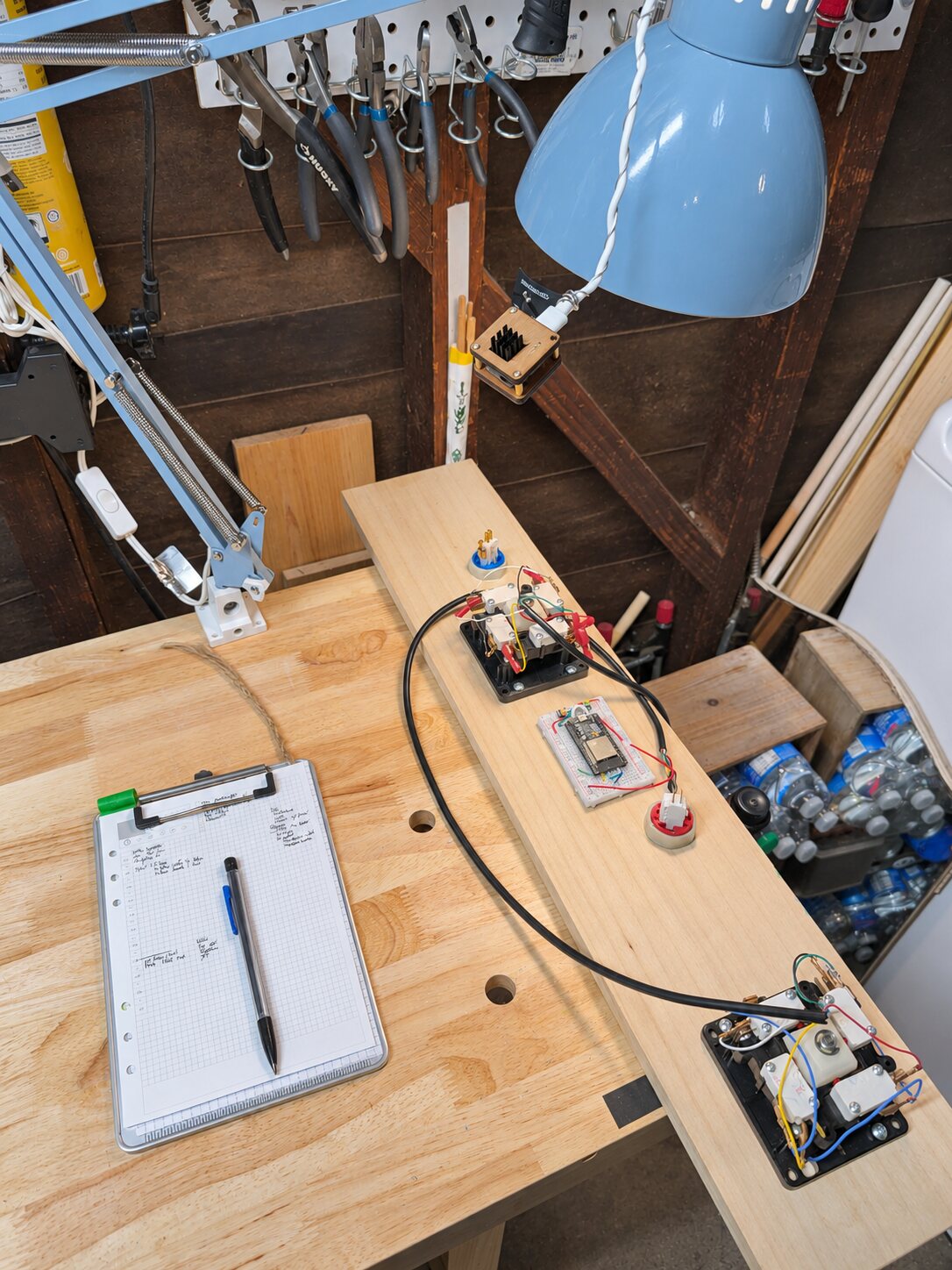
Exact tested client, OS, image quality, and capture-control details are still to be published. These photographs show prototype placement, not captured-image quality or a verified end-to-end result.
Explore setup requirements ↗A WORK IN PROGRESS. WITH YOU.
Help shape what
comes into view.
Join the early-access list for MCPics and help shape the workbench workflow.
The camera is in development. Joining does not reserve hardware or guarantee a testing invitation.
A place on the list.
Start with your email.
A FEW PRACTICAL QUESTIONS
Before you join.
Why not use my phone or webcam?
You can. A phone is a good option for occasional captures, and existing software can connect webcams to agents. MCPics is exploring a dedicated camera for repeated desk captures. A setup or time-saving advantage has not yet been demonstrated.
Can it read my small display?
That depends on the optics, distance, lighting, and agent. Actual captured frames at relevant distances are needed before we can claim small-display legibility.
Does it keep watching?
The intended workflow uses requested pictures. Continuous monitoring is not promised. Implemented triggers, permissions, and stop controls must be documented by the device service.
Which agents can I use?
You need a client that supports the device’s MCP transport and can reach the camera. A protocol connection alone does not establish tested compatibility. See the setup guide for connection requirements; exact tested configurations still need to be published.
What will it cost, and when will it ship?
Price, shipping dates, and the final hardware package are not yet announced. This is an early-access interest list, not a purchase or reservation.
Where do the pictures go?
The camera supplies an image to your connected agent. That agent provider’s data handling applies. Local networking does not mean local-only AI processing. Device capture controls, storage, and retention still need to be documented before release.