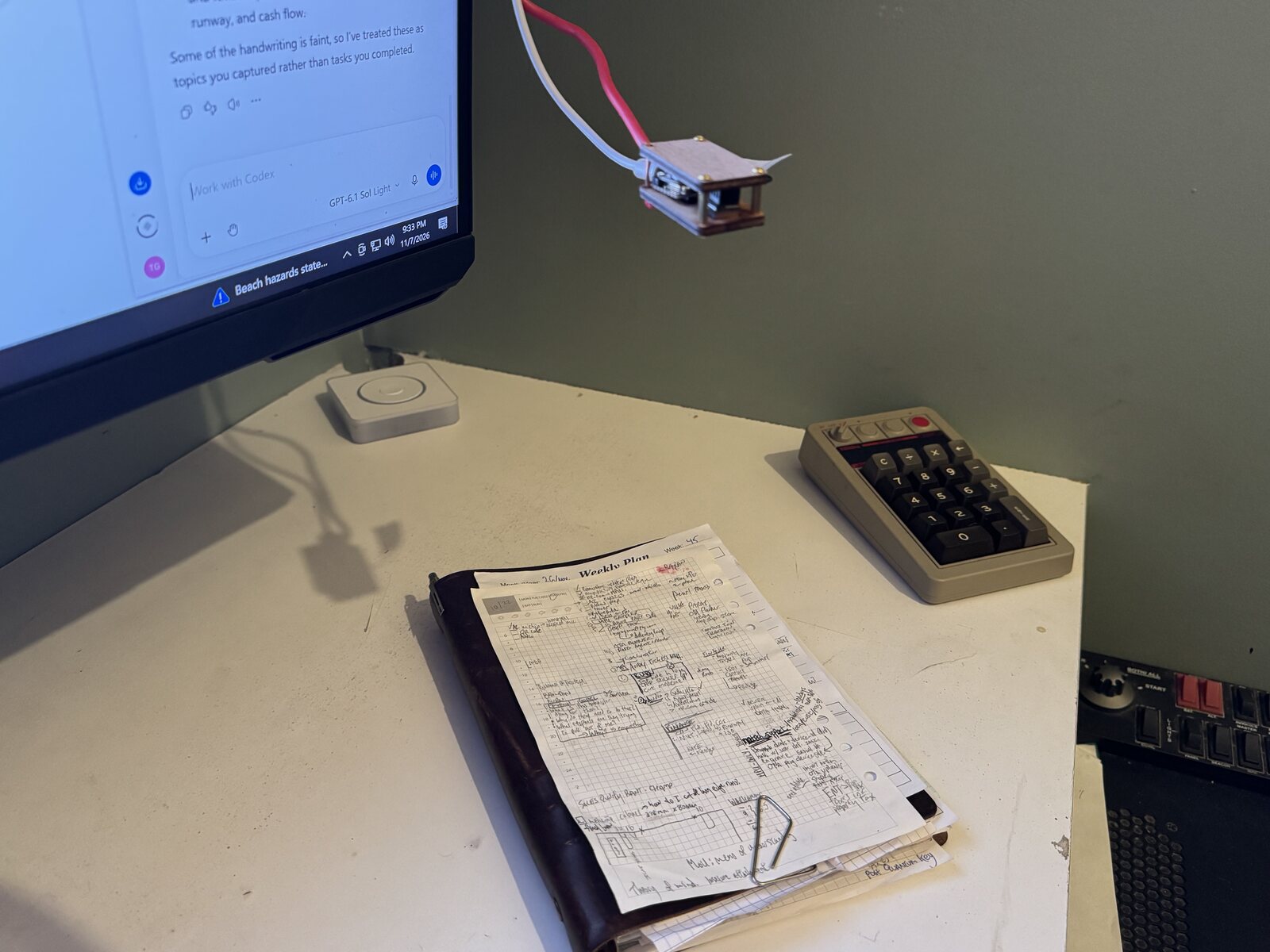
 01 / THE NOTEBOOK
Keep thinking on paper.
Keep writing by hand. Bringing the page into your agent-assisted notes workflow, or riff on your drawings.
Explore the paper workflowA CAMERA FOR YOUR AI AGENT
A camera built for both you and your agents will enhance how you already work.
Invite your agent onto your desk.
MCPics is a camera for sharing fresh pictures of your physical projects and paper notes with a compatible AI agent.
Join the early-access listEarly-access list open
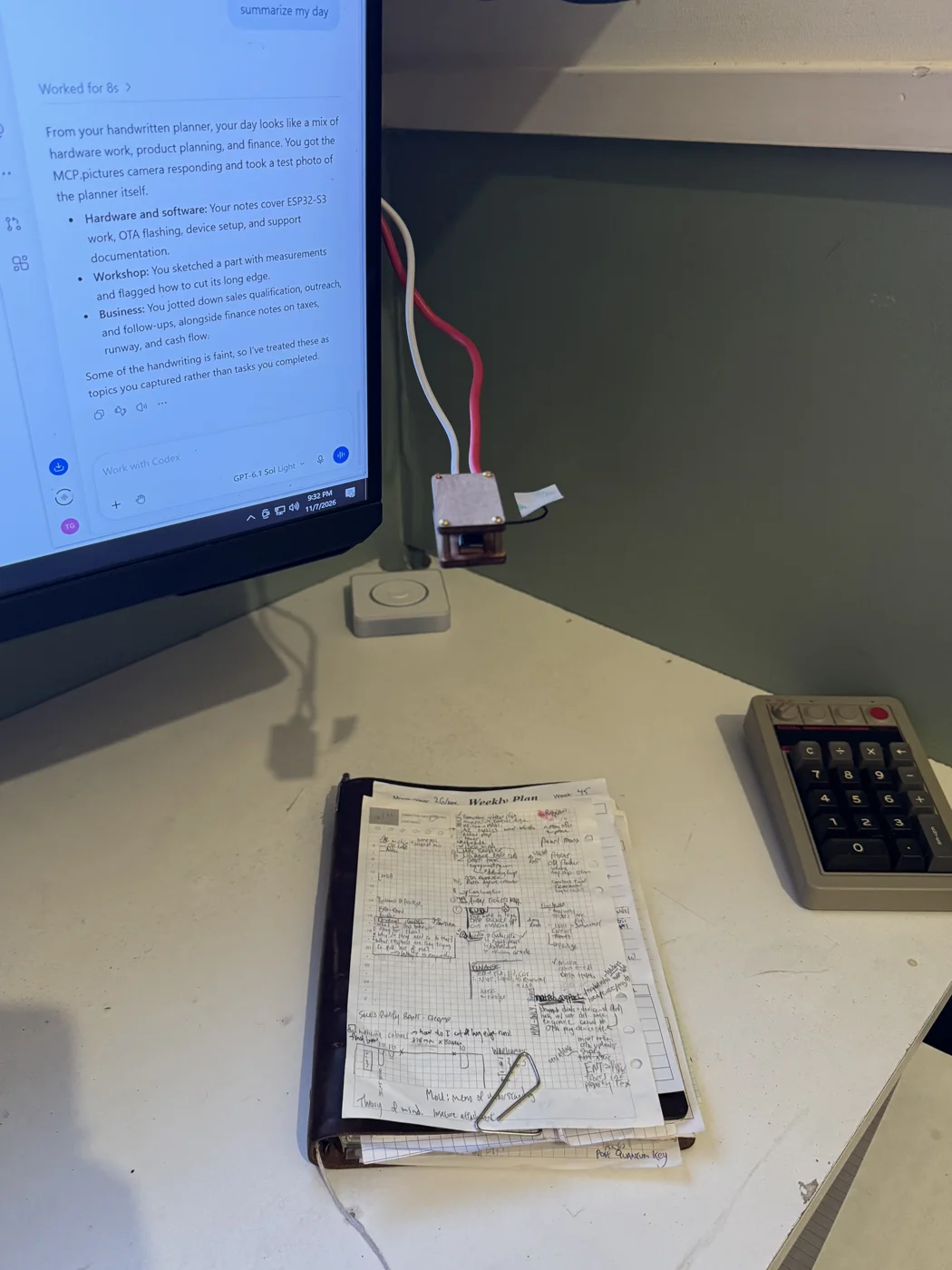
BRING IT INTO FOCUS
An agent-ready camera connects your agents to where work gets done.
01 / THE NOTEBOOKKeep writing by hand. Bringing the page into your agent-assisted notes workflow, or riff on your drawings.
Explore the paper workflow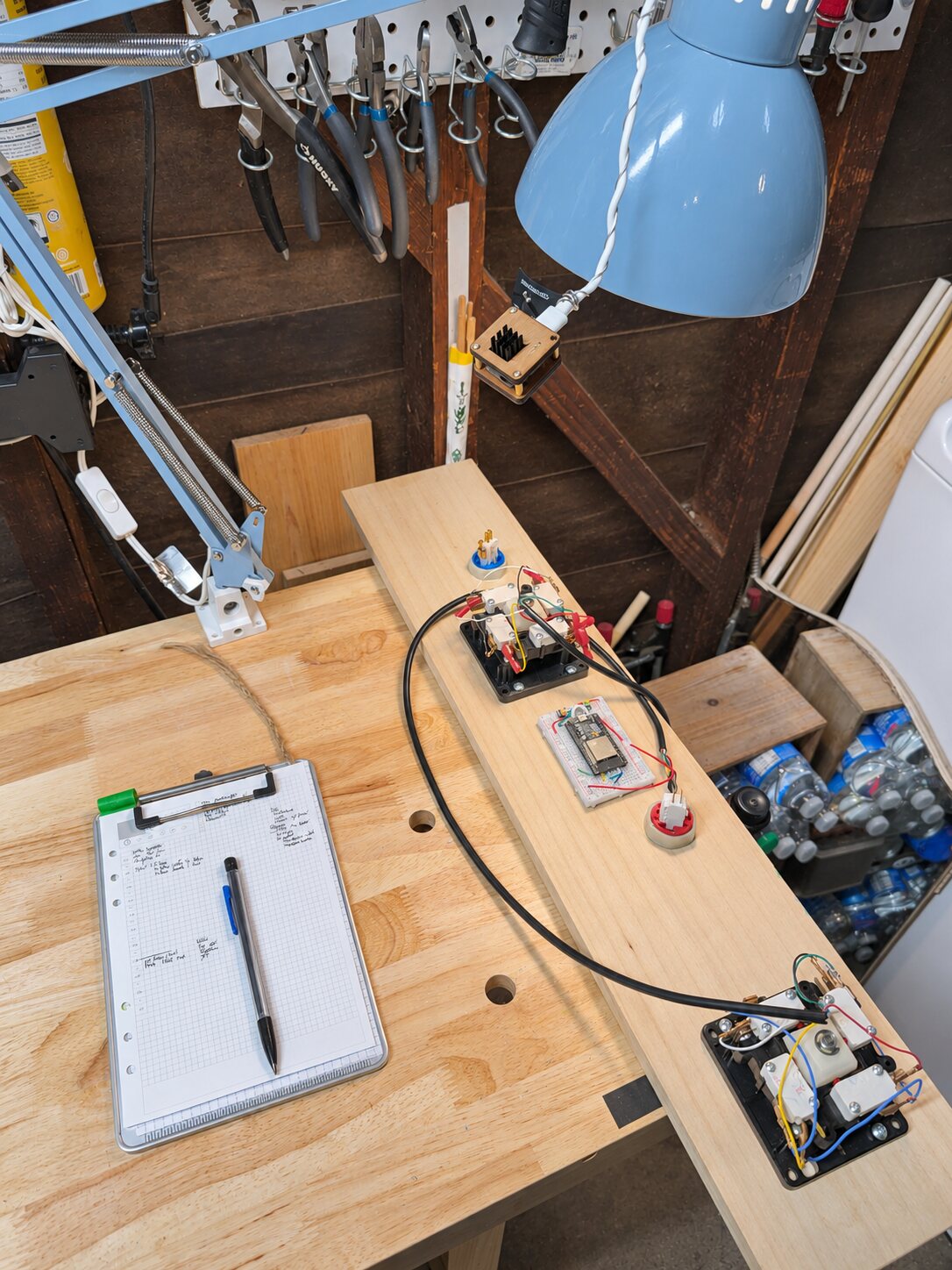 02 / THE WORKBENCH
Show your agent what you’re working on. Get a second set of eyes when you're stumped.
Explore the workbench workflowA PICTURE. THEN A CONVERSATION.
The intended connection, from the desk to your agent.
Point the camera at your page or project. Framing, lighting, and legibility matter.
MCP is the connection that lets a compatible agent request a picture. Setup depends on the device and client.
The camera supplies the image. Your agent interprets it, and you review what it sees.
A WORK IN PROGRESS. WITH YOU.
Join the early-access list for MCPics and help shape the camera workflow.
The camera is in development. Joining does not reserve hardware or guarantee a testing invitation.
Start with your email.
A FEW PRACTICAL QUESTIONS
You can. A phone is a good option for occasional captures, and existing software can connect webcams to agents. MCPics is exploring a dedicated camera for repeated desk captures. A setup or time-saving advantage has not yet been demonstrated.
You need a client that supports the device’s MCP transport and can reach the camera. A protocol connection alone does not establish tested compatibility. See the setup guide for connection requirements; exact tested configurations still need to be published.
Price, shipping dates, and the final hardware package are not yet announced. This is an early-access interest list, not a purchase or reservation.
The camera supplies an image to your connected agent. That agent provider’s data handling applies. Local networking does not mean local-only AI processing. Device capture controls, storage, and retention still need to be documented before release.